

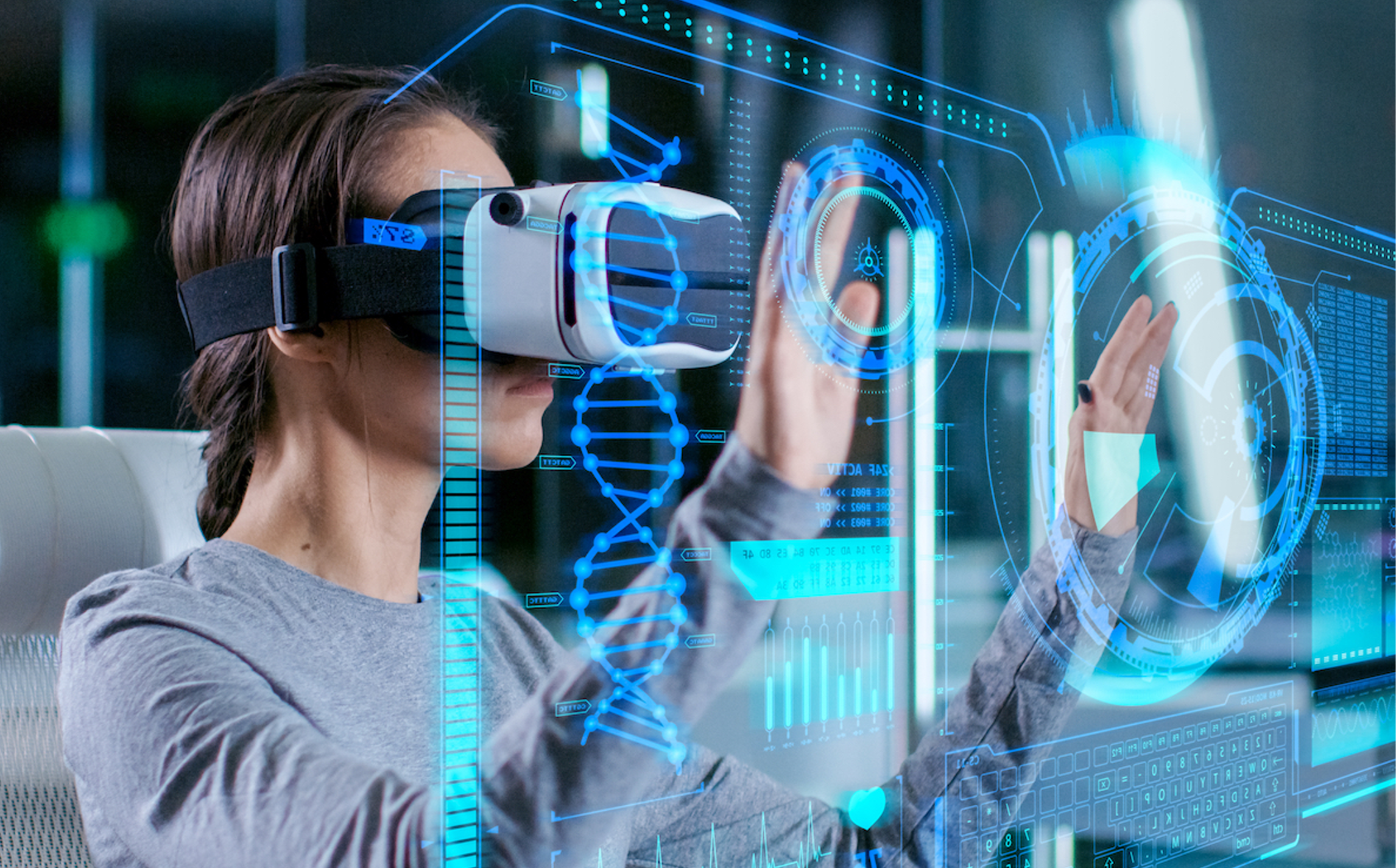
VR immerses users in 3D worlds for gaming, training, education, and entertainment purposes.
Virtual Reality (VR) is a technology that creates a simulated environment experienced through special headsets and devices.
It enables real-time interaction with digital elements in a completely artificial environment.

What is Virtual Reality and how is it transforming digital interaction?

Immersive Environments
VR creates fully immersive 3D worlds that users can explore in real-time using headsets and motion controls.

Real-Time Interaction
Users interact with digital objects naturally, simulating real-world actions within a virtual space.

Multi-Industry Use
From gaming to healthcare, VR is revolutionizing how industries train, entertain, and engage users.

360° Visualization
Enables users to look around freely and experience visuals from all angles, enhancing realism.

Hardware Integration
Works with VR headsets, controllers, sensors, and even haptic feedback devices for complete immersion.

Virtual Collaboration
Used in remote teamwork, virtual meetings, and shared digital workspaces, enhancing productivity and communication.

VR is widely used in industries like healthcare, architecture, defense, and cinema for training and simulations.
Plan the Experience
Define purpose, audience, and key interactions in the VR experience.

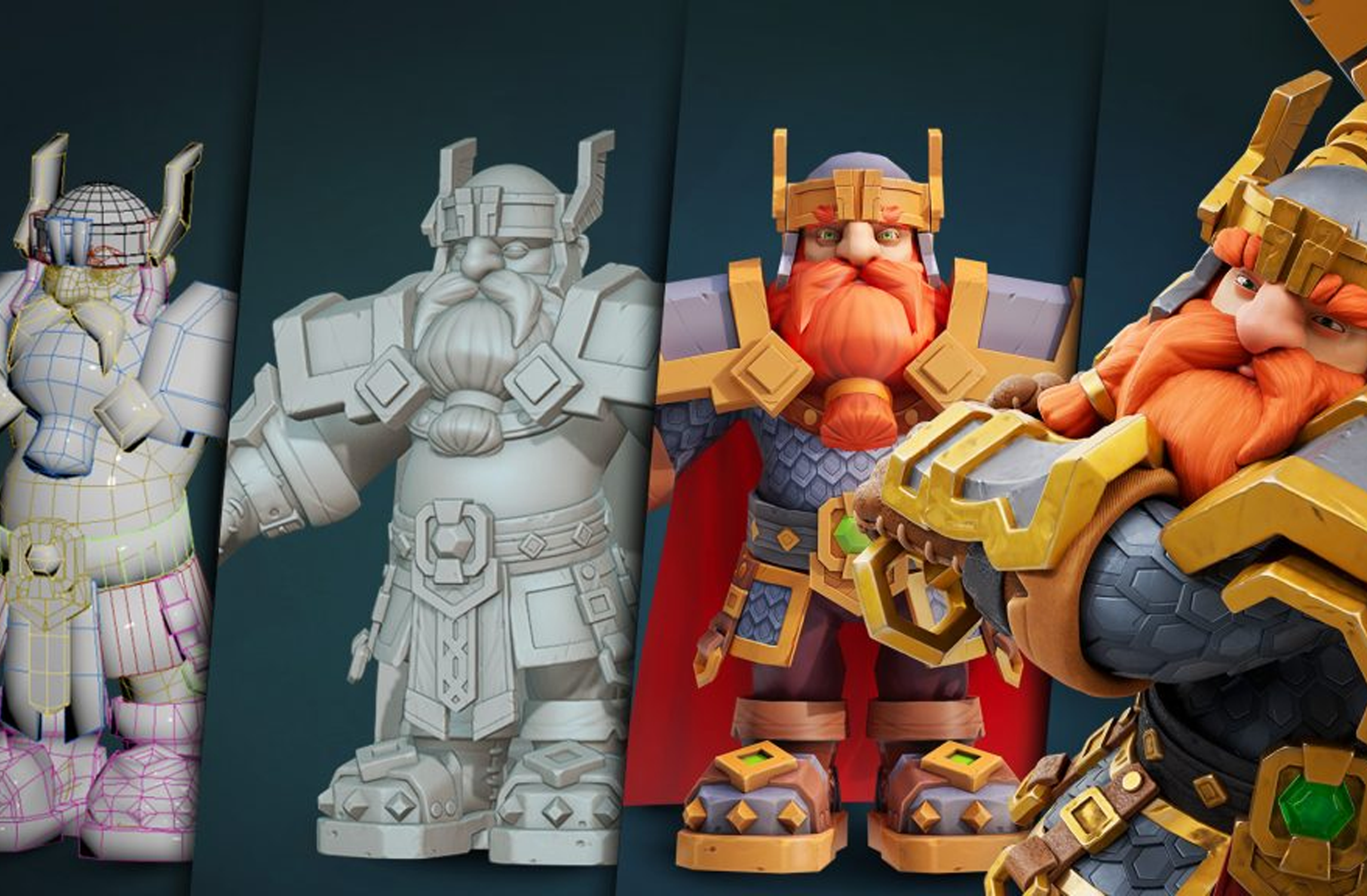
Create 3D Assets
Model or import 3D objects, environments, and characters for the scene.
Build in Engine
Use Unreal or Spatial to design the VR environment and place objects.

Add Interactivity
Use blueprints or code to enable user actions and object responses.ts.

Test in VR
Preview using a VR headset to check functionality, flow, and comfort.
Optimize and Deploy
Polish visuals, reduce lag, and export for your target VR platform.

-
Create 3D Assets
Model or import 3D objects, environments, and characters for the scene.
-
Build in Engine
Use Unreal or Spatial to design the VR environment and place objects.
-
Add Interactivity
Use blueprints or code to enable user actions and object responses.ts.
-
Test in VR
Preview using a VR headset to check functionality, flow, and comfort.
-
Optimize and Deploy
Polish visuals, reduce lag, and export for your target VR platform.
Get In Touch With Us!

Plan the Experience
Define purpose, audience, and key interactions in the VR experience.